
Slumbr
Windows · MIT · v1.1.1
Local voice-to-text dictation for Windows. Hold a hotkey, speak, and your words land in any app — fully offline, powered by Whisper.
- Offline
- Whisper
- Free & OSS
Windows may show a SmartScreen warning the first time — it's unsigned, not unsafe. See the FAQ
Slumbr is dictation that respects you: hold a key, talk, and your words show up in whatever app you’re in. It runs Whisper locally, so it works on a plane, in a basement, or anywhere with no signal — and your voice never touches a server.
Built for Windows with a CPU build that runs anywhere and an NVIDIA build for people who want transcription the instant they let go of the key.
Features
Push-to-talk dictation
Hold a hotkey, speak, and your words appear wherever you're typing.
Fully offline
Local Whisper — no internet needed once it's set up. Nothing leaves your PC.
GPU-accelerated
An optional NVIDIA build transcribes near-instantly; a CPU build works anywhere.
Custom hotkeys
Bind dictation to whatever key feels natural.
No accounts, no cloud
Your voice is transcribed locally and never uploaded.
Recent releases
- v1.1.1 2026-06-13
- v1.1.0 2026-05-29
- v1.0.0 2026-05-27
Screenshots
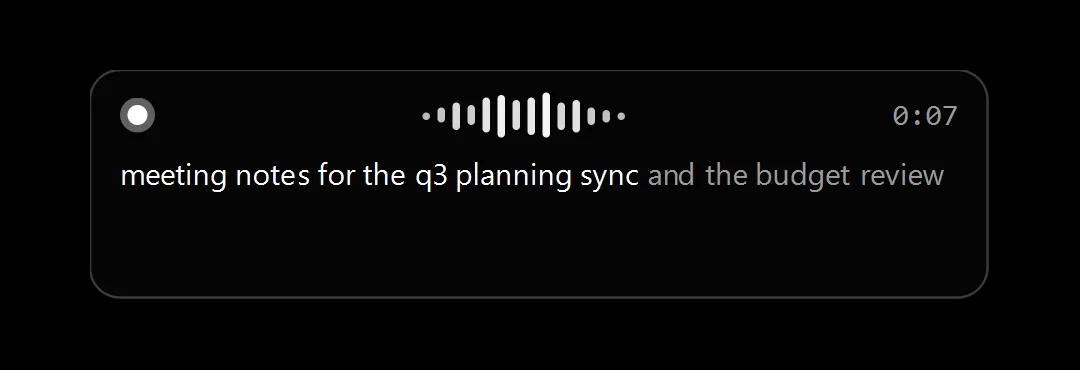
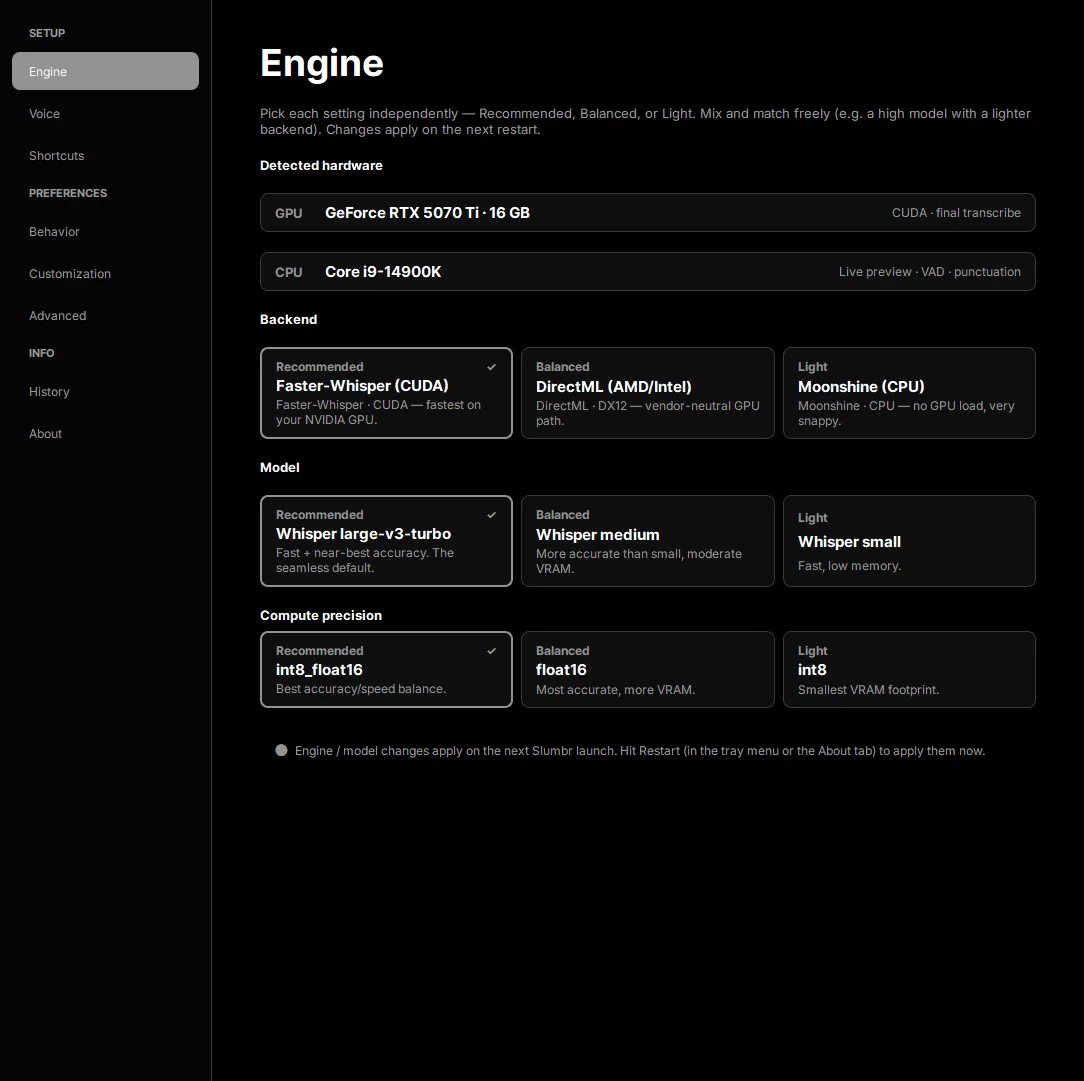
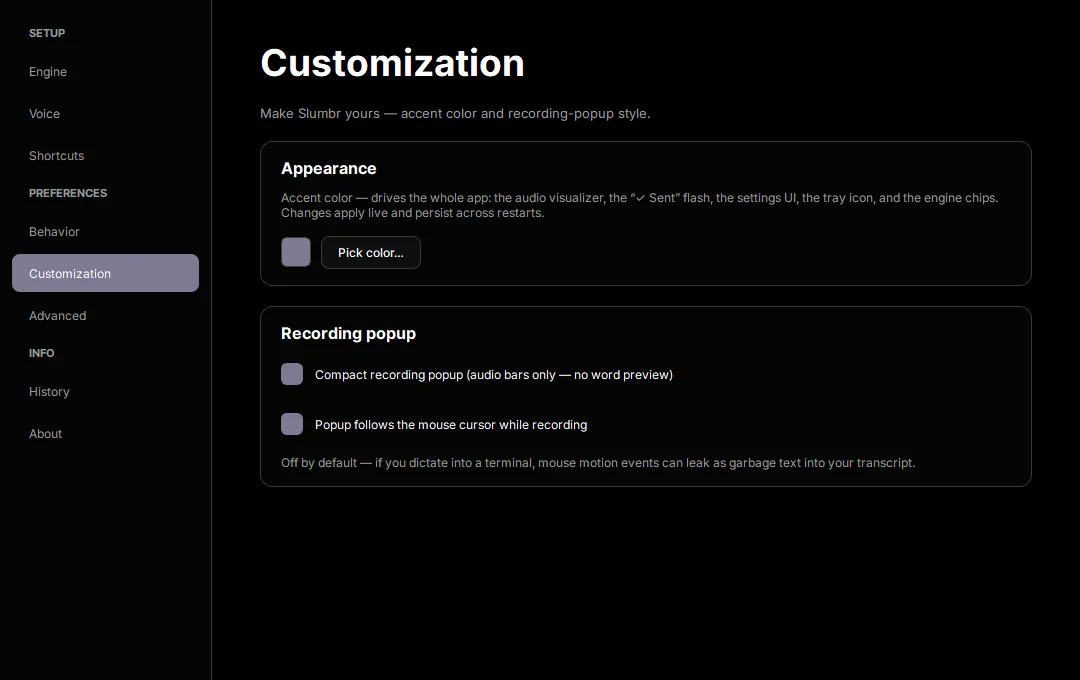
FAQ
Is it really offline?
Yes. After a one-time model download, Slumbr works with no internet at all.
Do I need a GPU?
No — there's a CPU build that runs anywhere. The NVIDIA build is just faster if you have the card.
Where do my recordings go?
Nowhere. Audio is transcribed on your machine and never sent anywhere.